How Three Simple Apps Finally Tamed My Digital Chaos
Introduction
I have a compulsion.
Whenever a fancy new productivity tool comes out, I feel the need to download it and try using it for a couple of days, only to disregard it and delete it a short time later.
These types of apps usually consist of note-taking (second brain), to-do list, or any other productivity-type tool that touts itself as a more organized time saver.
I hate the feeling of needing to switch between tools, but for whatever reason, whenever a new tool or app like this is released, I want to test it to see if it's better than what I'm currently using.
(spoiler alert: it rarely is)
Over time, I've become more and more wary of new apps, for a couple of reasons.
For one, I've become tired of experimenting. I already have many of the same notes duplicated and spread across multiple apps, so consolidating my various notes and documents can become quite time-consuming. And for another really important reason, the companies that have had apps that they've had years to perfect at this point are generally all-around better and have more features than the new kids on the block can hope to achieve.
Over time I've honed my digital experience to where it's almost become a science. I'm still tempted, and still often download new apps, but these days I do so with the expectation that I'm more than likely going to delete it a few minutes later after giving it a quick spin.
So I wanted to share the ecosystem or workflow that I've perfected for more than ten years.
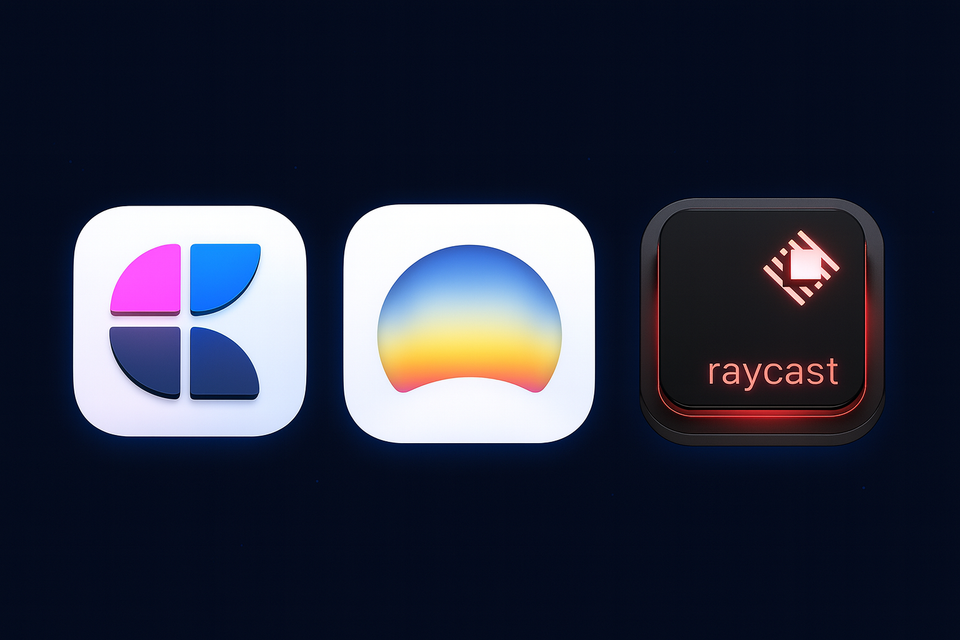
These are my core (hub) apps. While there are lots of other apps that inhabit my digital ecosystem, these are the foundational ones that I use as my main drivers for almost everything I get done.
While none of these apps are "perfect," they are either about as perfect as they can become, or they are at least trending in the direction of perfection. How I define that is if they are supported by a development and creative team that actually cares about their product and offers consistent updates.
I opened the Pandora app on my phone a few days ago just to see if it had been updated in all the years since I last opened it, and nope, it's still exactly the same as it used to be. While there's nothing wrong per se with sticking with what works, in my opinion, the best apps are the ones that update consistently and keep up to date with new technology and design trends.
Dia Browser
I have to admit, I still sometimes fluctuate between different browsers, though with recent updates Dia has easily become my main browser driver. I still use Safari periodically, mostly for accessing financial apps, since the best thing that Safari has going for it is the fingerprint scanner that my MacBook Pro uses which other browsers still can't use, but those are specific use cases.
My main driver has become Dia. While Dia in its current form is still missing a few features I'd like to see, The Browser Company has been steadily adding new functionality and improvements. And on top of that, Dia's AI tool is second to none. While AI in general is nowhere near perfect, having an AI assistant that can read the context on my browser and provide feedback, or even read written text which allows me to make updates to my text directly from the AI assistant is extraordinary. It really removes a lot of the copy-and-paste repetition that existed before.
One recent example was from a few months ago. My wife's family is from Guatemala, and there happened to be an earthquake in the region, and since the family chat was in Spanish—and I'm only starting to learn Spanish—I needed a quick way to translate the family chat that was happening in real time. Instead of copy and pasting everything into a translator, I was able to just open the Dia AI chat and have it translate everything displayed on the page in real time. There have been multiple other instances where having a real-time chat interface has been a great time saver. It's especially helpful for legal, financial, or medical things for quick reference.
And since Dia also has the left sidebar option now, Dia has really become a mini operating system for me. It's funny how things come full circle in technology. Steve Jobs originally envisioned that the future of technology was going to be web apps when he first introduced the iPhone. He was wrong at the time, but kind of right in the long run. Most everything can be done with web apps now, and I find it much easier to use Dia as my main hub for my web apps, such as Slack, Google Apps, Linear, Social Media, and obviously anything else. So instead of having to have a bunch of apps installed on my computer that need constant updating, I now use my browser as my main place to access most apps instead of my hardware OS.
Not to mention that Dia has a built-in ad blocker, which is a must-have for any browser I use these days. They just updated their pinned tabs to allow unlimited pinned tabs, so I can fit as many tabs as I need. The pinned icons are nicely sized and easy to navigate. The only thing it's currently missing but is incoming is the ability to swipe or quickly change between profiles or spaces.
Craft
This topic merits its own blog post or series of blog posts, but for a long time I've been obsessed with productivity apps, especially note-taking or document apps. And believe me, I've fluctuated between them all. It started with Apple Notes, then I switched to Simple Notes for a time, then Bear Notes. Eventually, I discovered Notion, which is not just a note-taking app, but an all-inclusive productivity powerhouse, with configurable databases, tables, checklists, and so much more.
In recent times, I've even toyed around with newcomers like AnyType and Capacities which are Notion competitors that have their own merits.
But long story short, the one that I found I kept coming back to was Craft. Craft is by no means perfect, but in the things that matter when it comes to a powerful note-taking second brain type app, Craft is unparalleled in its simplicity and user experience.
While there are still things that frustrate me, when compared to the competition, it's not even really close. While Craft isn't as powerful or doesn't have as many features as Notion, that's kind of the point. It's far more streamlined, and on top of that, it has a few killer features that Notion simply doesn't have. Namely, Craft is the best user experience on mobile and tablet apps compared to all the others. And on top of that, it can be used fully offline and syncs up once back online in a very streamlined, easy-to-use way which Notion and others just simply don't offer. (Notion has introduced more offline functionality which lots of users were desperately waiting for for many years, but it still doesn't hold a candle to the simplicity of Craft.)
Craft has also introduced Tasks in recent months which allowed me to stop using reminder apps like Reminders, Things, or Todoist. While, once again, not perfect, Craft has now become the hub for all of my productivity and second brain needs.
I'm now in a weird place where I can't leave Craft even if I wanted to, because if I left, not only would I have to choose a second brain app, but I'd also have to find a to-do app at the same time, but luckily the team at Craft are passionate and keep making tons of updates and quality-of-life improvements.
Raycast
This one kind of feels like it comes out of left field, because I normally wouldn't consider a "Search" app all that interesting or useful. But in the case of Raycast, it's the perfect operating system "enhancer." You can load Raycast up with all kinds of apps with built-in workflows that make it easy to use.
On top of it being able to find apps or documents, much like the native Finder app, but in a much more streamlined package.
Now, when I need to join a scheduled meeting, I simply open Raycast and join the meeting without having to navigate to a calendar app. If I need to put in some lorem ipsum text into a design or document, I open Raycast. If I need an emoji or unicode symbol, Raycast. Need to find a file? Raycast.
There's something beautiful about the simplicity of Raycast that is hard to put a finger on, and I'm not even a power user by any means. Some users out there go really deep with Raycast, but even for a casual user such as myself, Raycast has something for everyone. Although the native search is fine, and with the latest update to macOS, I hear it's better than ever, there's just no reason to ever go back, because with a dedicated team updating Raycast all the time, I much prefer to have a focused app instead of a built-in tool that is only okay.
Notable Mentions
- Grok. I've found Grok to be all-around the best AI for most of my daily purposes. It's logical, can internet search, and I like the user interface the best out of the other AI products I've used.
- Figma. This is more job-specific, but Figma can also be used for all kinds of graphic design purposes as well.
- Affinity. Affinity has a suite of design and vector tools which is a competitor to the Adobe Suite, but without the hassle of the silly Cloud subscription and Adobe bloat. Affinity was recently acquired by Canva, and they've only recently released an updated all-in-one app called Affinity. Before they were separated by a photo app, a vector app and another one, but now there's just one that's free to use, but you can upgrade for AI capabilities. I use Affinity when designing and formatting book covers.
- Wealthfront. For financial stuff, it's a great all-in-one tool for financial banking and investing.
- Slack. Obviously.
My Ecosystem
Between Dia, Craft, and Raycast, I've found the almost perfect productivity equilibrium that I've been on the hunt for for many years. While a lot of people could probably care less about the minutiae of these productivity apps, having a system that complements my workflow is crucial for my productivity.
Do I need an app or to find or search something on the web? Dia.
Do I need to jot down a note, take meeting notes, or create a document, or a task? Craft.
Do I need to find a document, plug in an emoji? Raycast.
While it's possible that an app might come along that supplants any of these in the future, these have become my rock-solid go-tos for a while now, and I don't see myself switching any time soon.